
Quick Answer: Enable two-factor authentication on all important accounts, use a strong unique passcode (not 1234), keep your operating system and apps updated, avoid public Wi-Fi without a VPN, review app permissions regularly, and never click links in suspicious texts or emails. These six steps block the vast majority of phone-based attacks.
Why Your Phone Is a Hacker’s Favorite Target
Your smartphone is essentially a pocket-sized vault containing your banking apps, email, social media, photos, location history, contacts, and private conversations. For a hacker, compromising your phone is like winning the jackpot — they get access to everything at once.
Phone-based attacks have exploded in recent years. SIM swapping, phishing texts, malicious apps, and public Wi-Fi interception are no longer rare events — they’re daily threats targeting ordinary people, not just celebrities or executives. The good news is that most attacks exploit basic security gaps that are easy to close once you know what to look for.
Lock Down Your Lock Screen — Seriously
It sounds obvious, but a shocking number of people still use 1234, 0000, or their birthday as their phone passcode. Some don’t use one at all. Your lock screen is the first and often the last line of defense if your phone is lost or stolen.
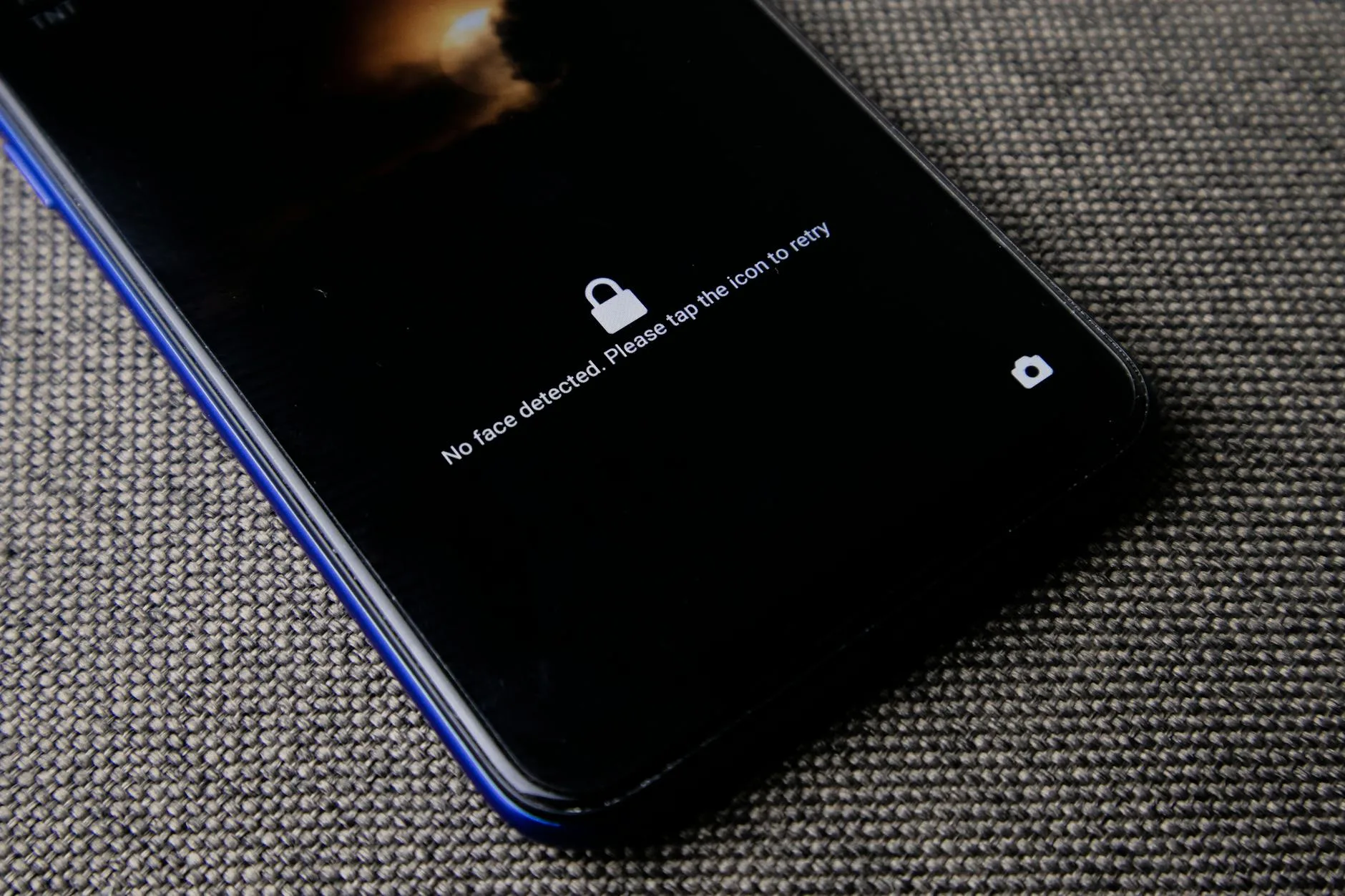
Switch to a 6-digit passcode at minimum. Better yet, use an alphanumeric password. Enable biometric authentication — Face ID or fingerprint — for convenience, but make sure the backup passcode is strong. On iPhone, go to Settings, Face ID & Passcode, and change to a longer alphanumeric code. On Android, navigate to Settings, Security, Screen Lock.
Enable auto-lock after 30 seconds to one minute of inactivity. Turn on the “erase data after 10 failed attempts” feature if your phone offers it. These two settings alone prevent the most common physical access attacks.
Two-Factor Authentication Is Non-Negotiable
If a hacker gets your password — through a data breach, phishing, or guessing — two-factor authentication (2FA) is the only thing standing between them and your accounts. Without it, a leaked password means instant access to your email, banking, and social media.
Enable 2FA on every account that offers it, starting with your email (it’s the master key to everything else), banking apps, social media, and cloud storage. Use an authenticator app like Google Authenticator, Microsoft Authenticator, or Authy rather than SMS codes. Text-based 2FA is better than nothing, but SIM swapping attacks can intercept your texts.
For maximum security, consider a hardware security key like YubiKey for your most critical accounts. It’s a physical device that must be present during login — virtually impossible to hack remotely.
Keep Everything Updated — Always
Software updates aren’t just about new features. They patch security vulnerabilities that hackers actively exploit. When Apple or Google releases an update, it often includes fixes for flaws that are already being used in real-world attacks. Delaying updates leaves those doors wide open.
Turn on automatic updates for both your operating system and apps. On iPhone, go to Settings, General, Software Update, and enable Automatic Updates. On Android, open Settings, System, System Update, and enable auto-updates. For apps, enable auto-update in the App Store or Google Play Store settings.
Delete apps you no longer use. Every app on your phone is a potential entry point. If you haven’t opened it in three months, remove it. You can always reinstall later if needed.
Public Wi-Fi Is a Trap — Use a VPN
Coffee shops, airports, hotels, and other public Wi-Fi networks are hunting grounds for hackers. Man-in-the-middle attacks allow someone on the same network to intercept your data — passwords, messages, banking details — without you knowing anything happened.
The safest approach is to avoid public Wi-Fi entirely for sensitive activities. Use your cellular data for banking, email, and shopping. When you must use public Wi-Fi, a VPN (Virtual Private Network) encrypts all your traffic, making interception useless even if someone is watching.
Reliable VPN options include NordVPN, ExpressVPN, and ProtonVPN. Most cost $3-5 per month and protect all your devices. Free VPNs are generally a bad idea — many sell your data to third parties, which defeats the purpose entirely.
Audit Your App Permissions
That flashlight app doesn’t need access to your contacts. That weather widget doesn’t need your microphone. Many apps request far more permissions than they actually need, and those excessive permissions can be exploited to track your location, access your camera, read your messages, or mine your contacts.
Do a permissions audit right now. On iPhone, go to Settings, Privacy & Security, and review each category — Location Services, Camera, Microphone, Contacts, Photos. On Android, go to Settings, Apps, and tap each app to review its permissions. Revoke anything that doesn’t make sense for what the app does.
Be especially cautious with location permissions. Set most apps to “While Using” rather than “Always.” Very few apps genuinely need your location in the background — maps and ride-sharing are the main exceptions.
Recognize Phishing Before You Click
Phishing is the number one way hackers compromise phones. A convincing text message claiming your package couldn’t be delivered. An email that looks exactly like your bank asking you to verify your identity. A social media DM from a “friend” with a suspicious link.
The rules are simple but critical: never click links in unexpected messages. If your bank texts you about suspicious activity, open the bank’s app directly — don’t use the link provided. If a delivery notification looks off, go to the carrier’s website yourself. If a friend sends an unusual link, verify with them through a different channel before clicking.
Watch for urgency language designed to override your judgment. “Your account will be suspended in 24 hours” or “Act immediately to avoid charges” are classic pressure tactics. Legitimate companies rarely communicate this way. When in doubt, contact the company directly through their official website or app.
Frequently Asked Questions
Can someone hack my phone through public Wi-Fi?
Yes. Man-in-the-middle attacks on public Wi-Fi can intercept passwords, messages, and banking data. Always use a VPN on public networks or stick to cellular data for sensitive activities.
Is two-factor authentication really necessary?
Absolutely. If your password is leaked in a data breach, 2FA is the only thing stopping hackers from accessing your accounts. Use an authenticator app rather than SMS codes.
How do I know if my phone has been hacked?
Warning signs include unexpected battery drain, unusual data usage, apps you didn’t install, strange texts sent from your number, and accounts being accessed from unknown locations.
Are free VPNs safe to use?
Most free VPNs sell your data to third parties, defeating the purpose. Paid VPNs like NordVPN, ExpressVPN, or ProtonVPN cost $3-5/month and provide genuine security.
Should I use SMS or an authenticator app for 2FA?
An authenticator app is significantly more secure. SMS codes can be intercepted through SIM swapping attacks. Google Authenticator, Microsoft Authenticator, or Authy are recommended.
How often should I update my phone?
Install updates as soon as they’re available. Enable automatic updates for both your OS and apps. Security patches fix vulnerabilities that hackers are actively exploiting.